August 10, 2026
Installing TheProfileMaster as an App on Your Phone
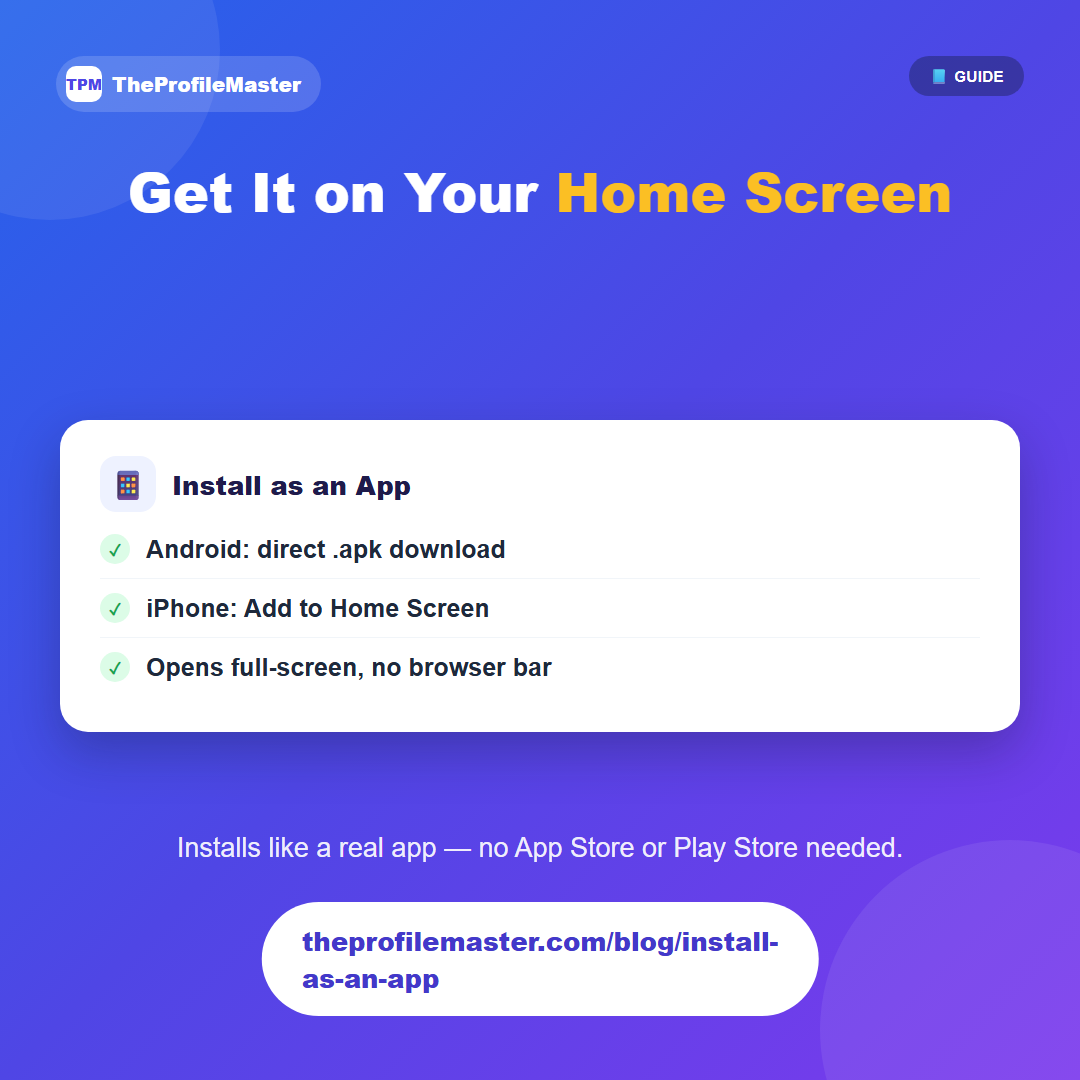
On Android, the homepage has a "Download Android App (.apk)" button. Downloading and installing it adds TheProfileMaster to your app drawer like any other app — no Play Store listing required.
On iPhone, Apple's install flow works differently: open the site in Safari, tap the Share button, then choose "Add to Home Screen." That adds an icon that opens full-screen with no browser address bar, the same way a native app would.
Installing it this way just makes it faster to get to when you need it in the moment — before an interview, or when you want to quickly check something on your resume — rather than adding any new functionality on top of the regular site.
It's the same site either way — nothing is offline-only or restricted to the installed version — so installing is purely a convenience choice, not a requirement for using any feature.