August 10, 2026
Finding and Saving Job Listings with Job Finder
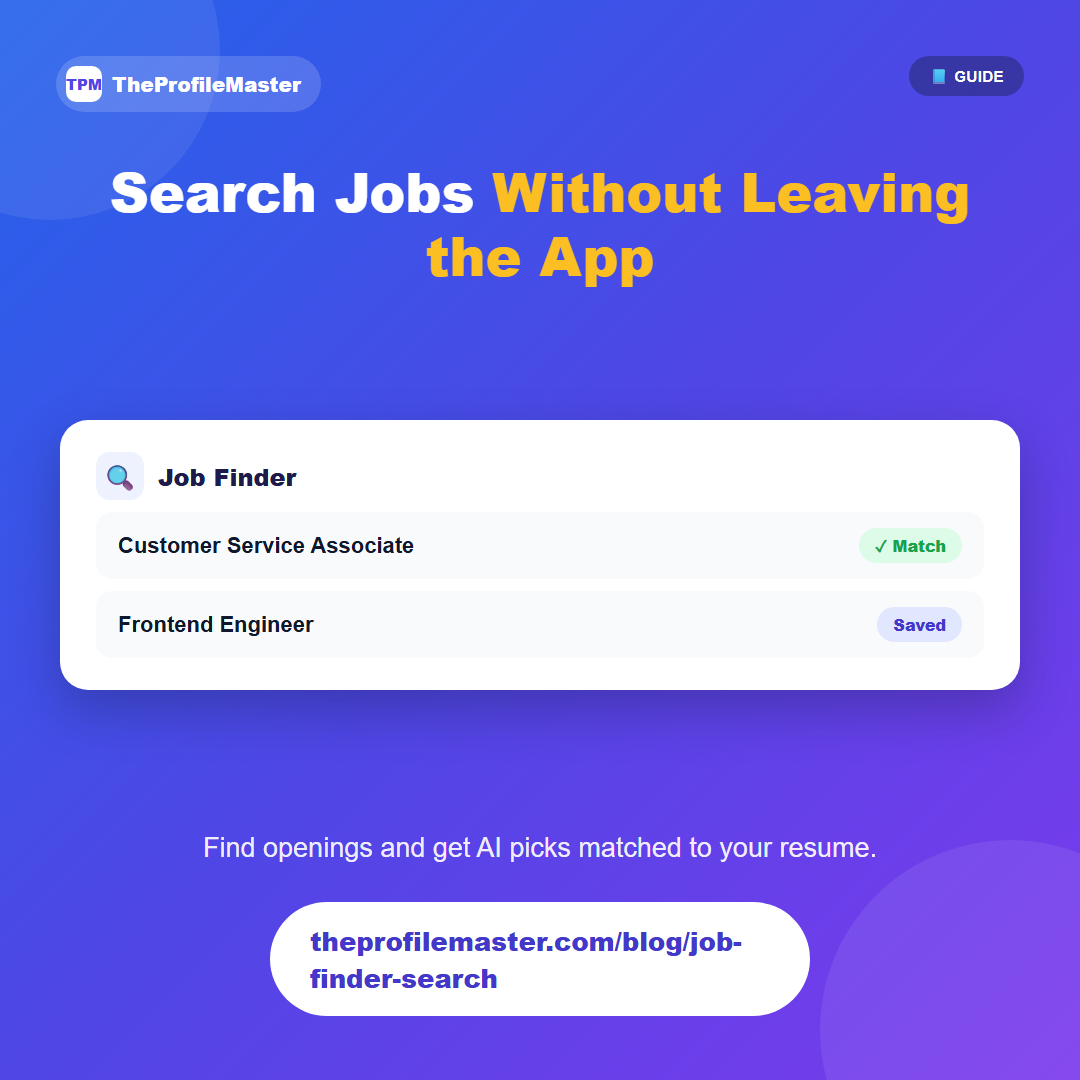
The Search tab on the Job Finder page lets you look for openings by keyword — a job title, a skill, whatever you're targeting — without leaving the app you used to build your resume.
There's also an AI Recommendations option, which reads your saved resume and suggests listings that match your skills and experience, rather than making you scroll through everything yourself.
Anything you find can be saved for later or marked as applied directly from the search results, which feeds into the Job Tracker so your search and your applications stay in the same place.
Because search, saving, and tracking live in one flow, there's no copy-pasting job titles and links into a separate spreadsheet just to keep track of what you've seen — finding something and logging it are the same action.