August 10, 2026
Managing and Editing Your Saved Resume
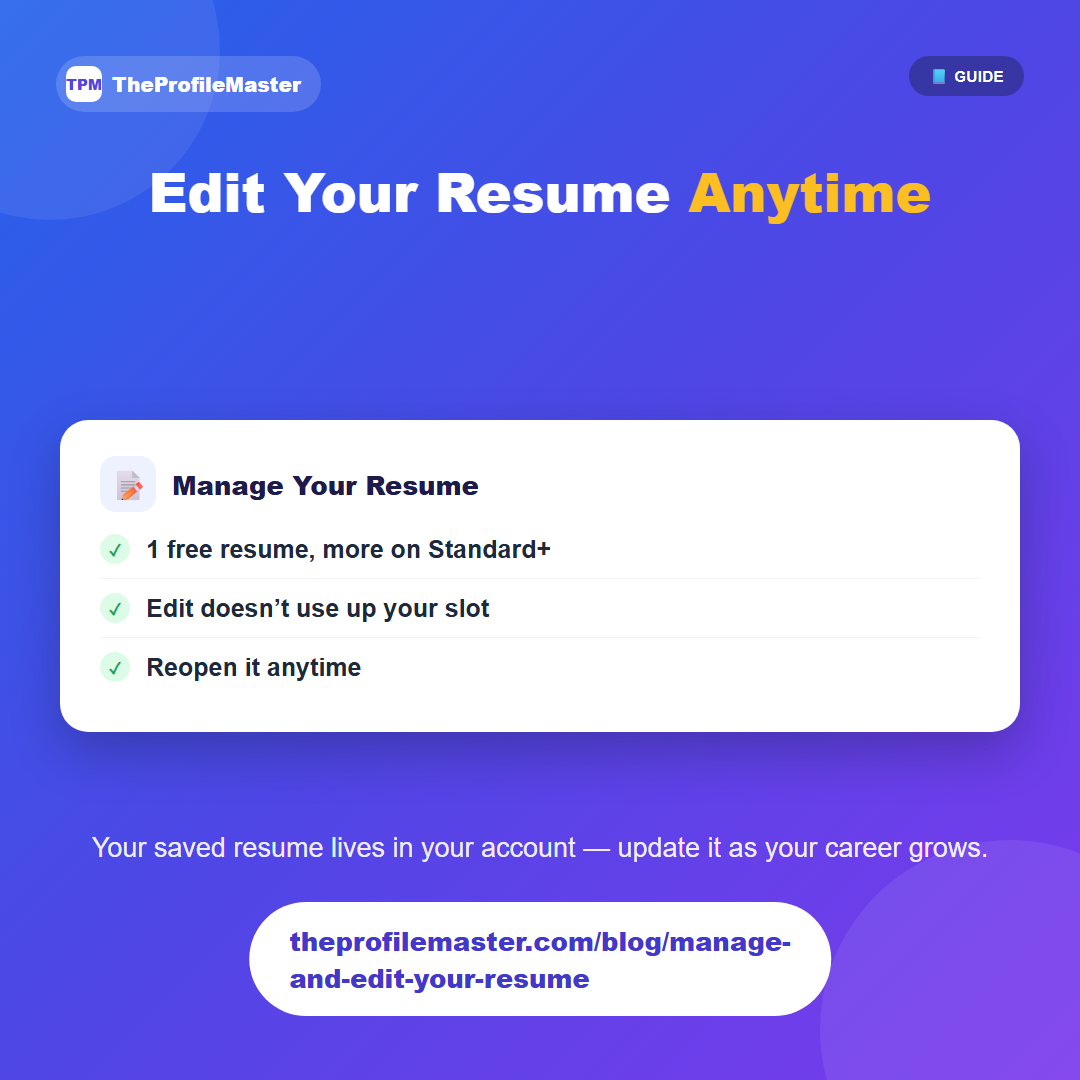
Once you've generated a resume, it's saved to your account and accessible from My Resumes, where you can reopen and edit it whenever your experience changes or you want to tailor it for a different role.
Free and Basic accounts keep one saved resume at a time — if you want to start a new one, you'd delete the existing one first to free up the slot. Standard and Premium accounts can save and manage multiple resumes at once, which is useful if you're tailoring different versions for different types of roles.
Editing an existing resume doesn't count against that limit — the 1-resume cap only applies to creating an additional new resume, not to updating the one you already have.
A one-resume account can still keep it current over time — updating it before each application to reflect your latest role or a newly relevant skill is a normal way to use it, you just can't keep two separate saved versions side by side without Standard or Premium.