August 10, 2026
How the AI Resume Builder Works
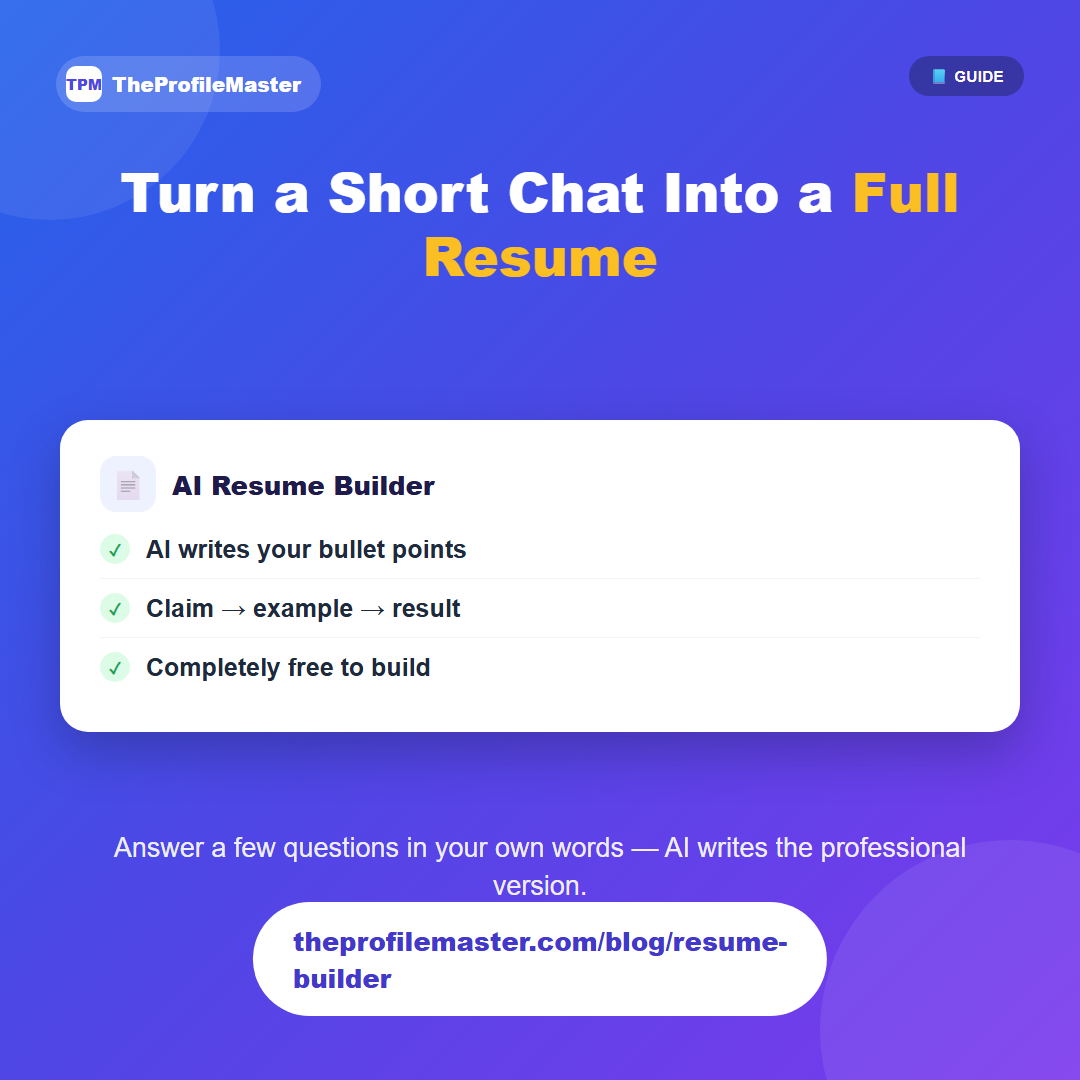
The Resume Builder is the core tool behind TheProfileMaster, and it works in one of two modes. In AI mode, you answer a short set of questions about your work history, education, and skills in your own words — plain sentences, no need to format anything — and the AI turns your answers into properly structured resume sections. In Manual mode, you fill in each field yourself or paste in text from an existing resume, and you keep full control over the exact wording.
Either way, the AI pass follows the same rule for every bullet point: state a claim, ground it in what you actually did, and end with a measurable result only if you gave one. It will not invent a number, employer, or achievement you didn't mention — if there's no real metric to cite, it leaves the sentence as an honest claim-and-example instead of making one up.
If you already have a public profile with saved details, the builder can pull that data in as a starting point instead of making you retype everything. Once your sections are generated, you move to the Preview page, where you choose a template and download the result.
Building a resume itself is completely free with no account required — the only cost involved is downloading the finished file, which is covered in a separate guide.
In practice, you move through a short set of sections: contact details, a summary, your work experience (one entry per job — role, company, dates, and a few sentences on what you did), education, and skills. Each experience entry becomes 2 to 5 rewritten bullet points, and the summary is written to open with your single strongest claim and result rather than a generic "seeking opportunities" line.
Because it works from plain-language answers rather than requiring you to already know resume formatting, it's usually the fastest starting point even if you plan to hand-edit the wording afterward in Manual mode — you're editing a real draft instead of staring at a blank page.