August 10, 2026
Choosing a Resume Template for Your Industry
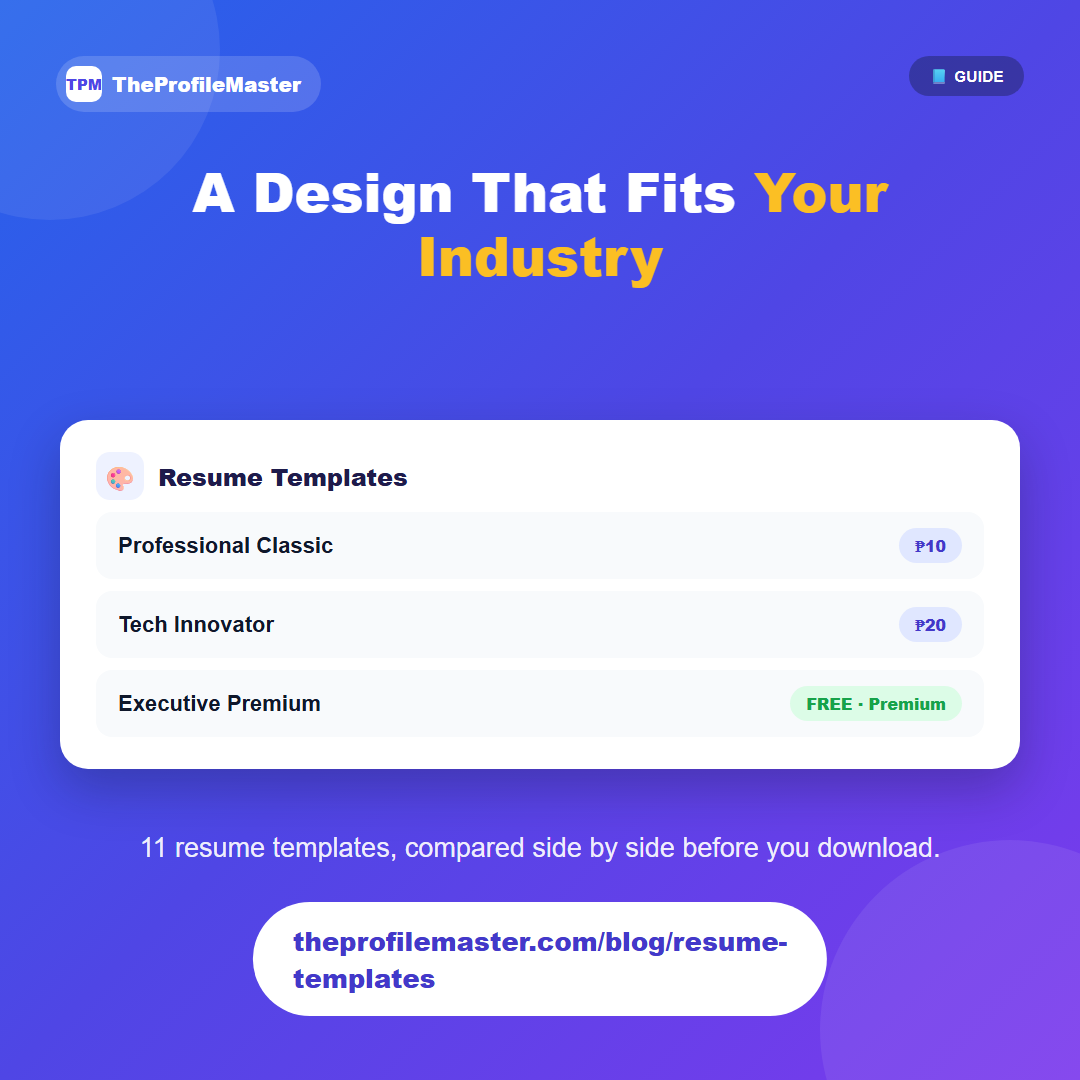
Once your resume content is generated, you pick a visual design on the Preview/Download page — all 11 templates render side by side using the same content, so you can compare them directly before deciding.
Two templates, Professional Classic and Minimalist Professional, are the simplest, most traditional layouts — a safe default for a first application or a conservative employer, and they're the cheapest to download (or free with a Basic plan and up). The remaining nine are premium designs built with a specific kind of role in mind: Tech Innovator and Modern IT lean toward development/IT work, Corporate Blue suits finance and corporate roles, Executive Standard and Executive Premium are built for senior or leadership positions, and Academic Excellence is shaped for research or academic CVs.
There's no wrong choice — every template produces the same ATS-friendly, real-text PDF underneath, so the decision is purely about which visual style matches the industry and seniority level you're applying for. Premium templates are included free on the Premium plan; the two base designs are included free from Basic and up.
Switching between templates doesn't cost you anything or require regenerating your content — since the underlying resume data is the same, you can preview every design against your actual sections before committing to a download. A common approach: shortlist two or three that fit your field, then pick the one that reads cleanest at a glance, since that's roughly what a recruiter's first pass looks like too.
If you're applying to more than one type of role — say, both corporate and startup positions — it's worth downloading more than one template for the same resume content rather than assuming a single design works everywhere.